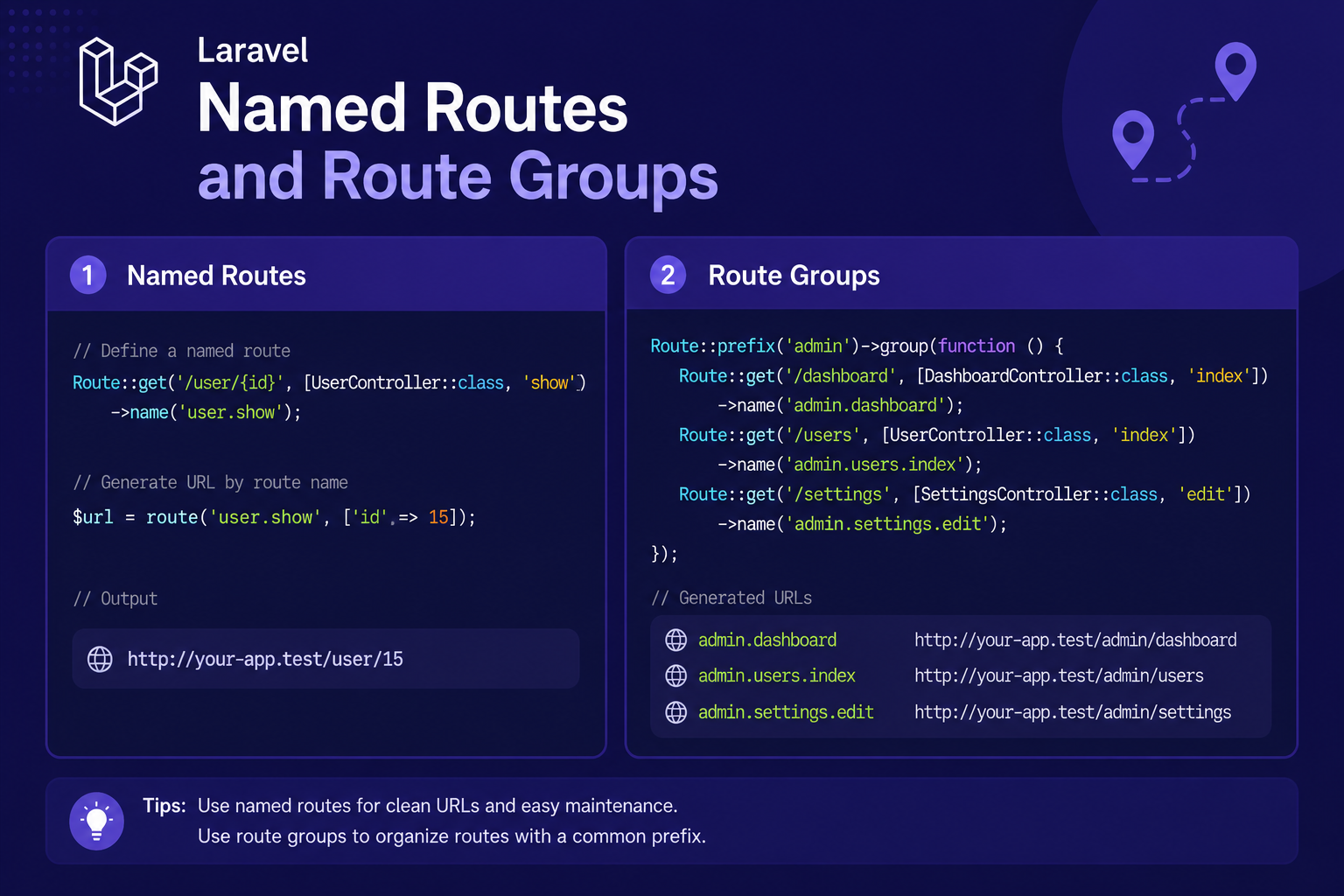
Named Routes and Route Groups
In this article, we'll explore both features in depth, showing how they work individually and how they're often combined together in real-world Laravel applications.
Tips, guides, and insights to help you get more done.
In this article, we'll explore both features in depth, showing how they work individually and how they're often combined together in real-world Laravel applications.
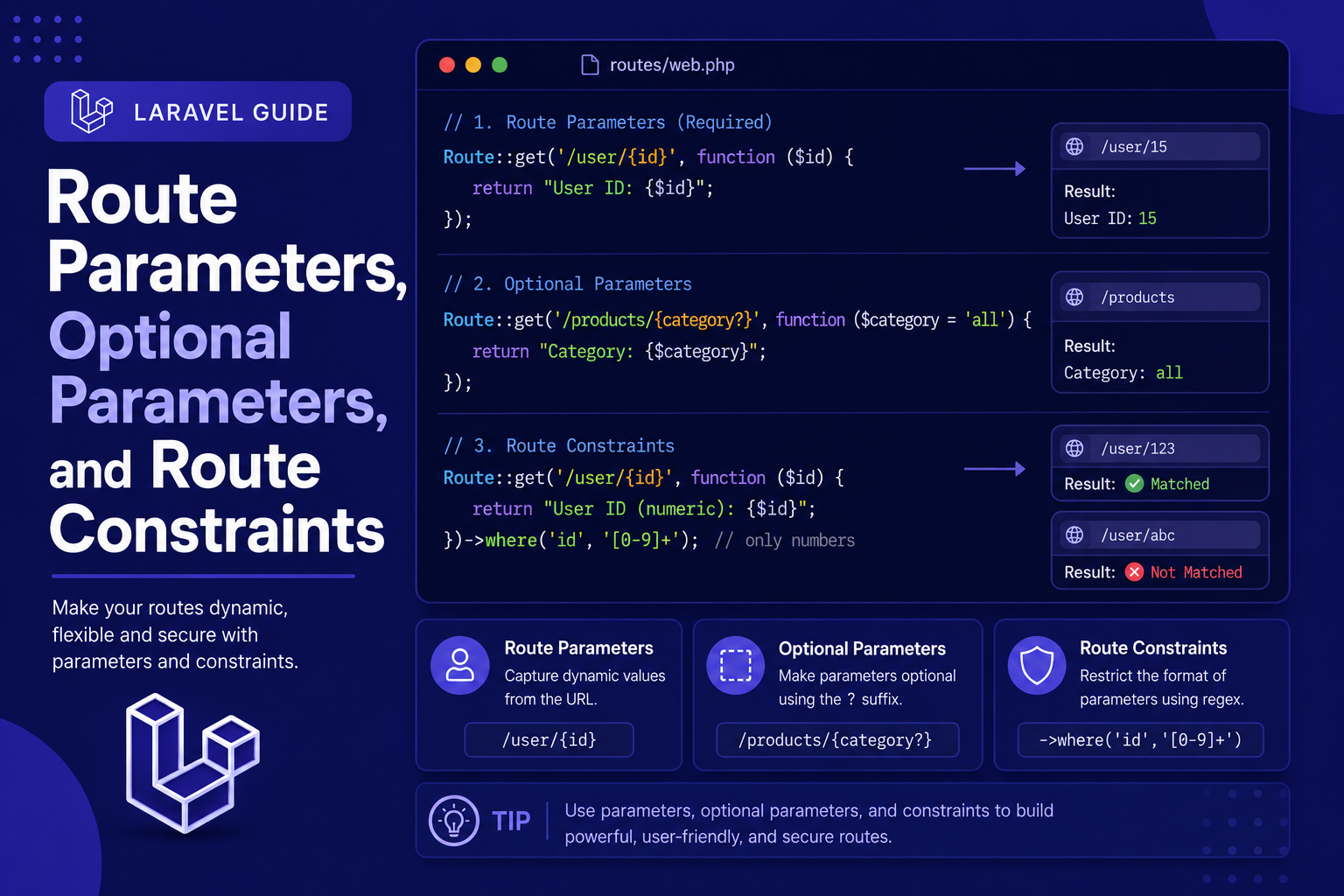
In this article, we'll walk through how to define route parameters, how to make them optional with sensible defaults, and how to apply constraints so your routes only match the input format you intend.
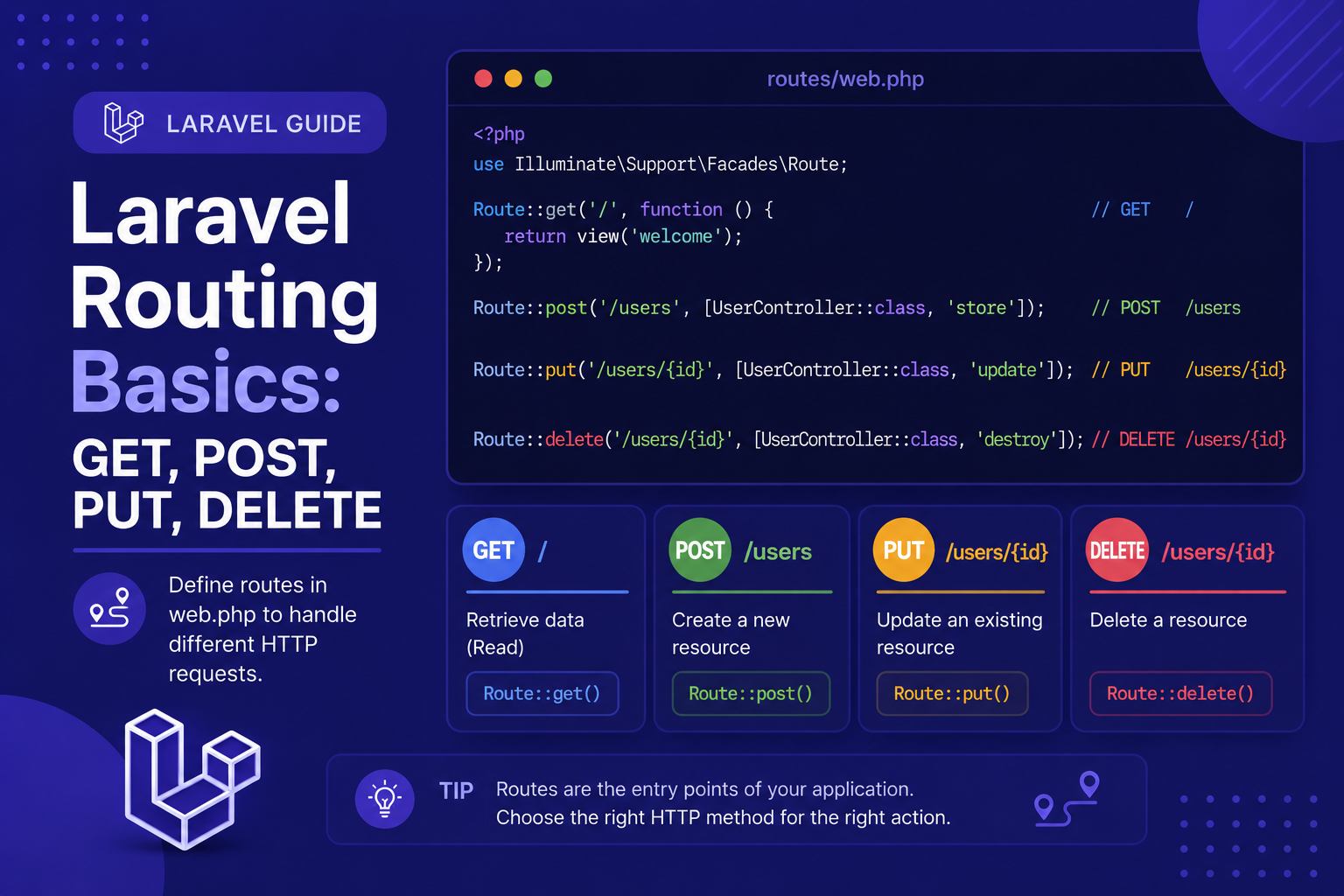
If you've followed along with the earlier articles in this series, you've already seen a glimpse of routing when we peeked into routes/web.php. Now it's time to go deeper and actually understand how Laravel's routing system works, why HTTP methods matter, and how to start structuring your application's URLs properly.
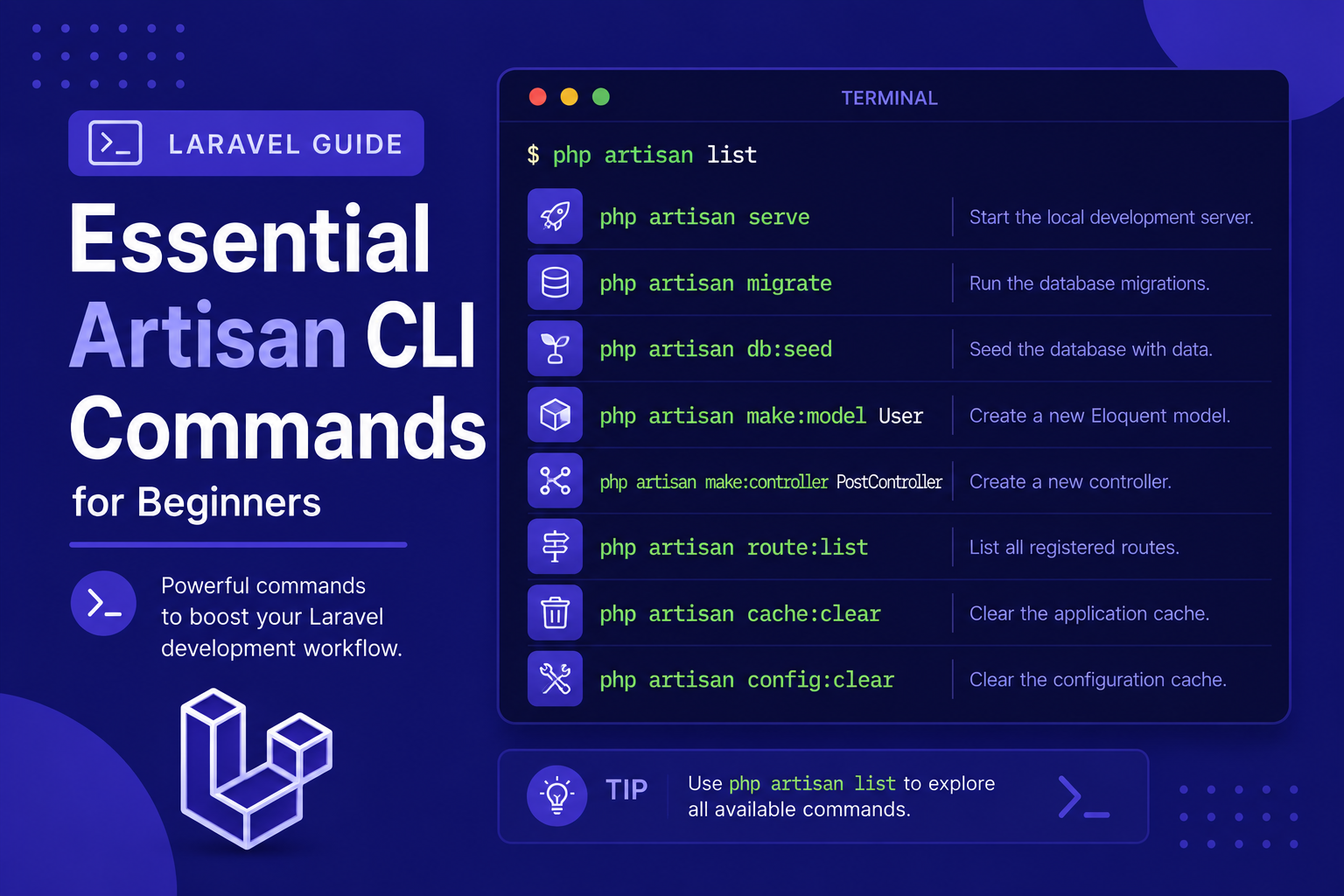
In this article of our beginner series, we'll walk through the most essential Artisan commands you'll actually use, organized by what they help you accomplish, so you can start using the command line confidently in your own projects.
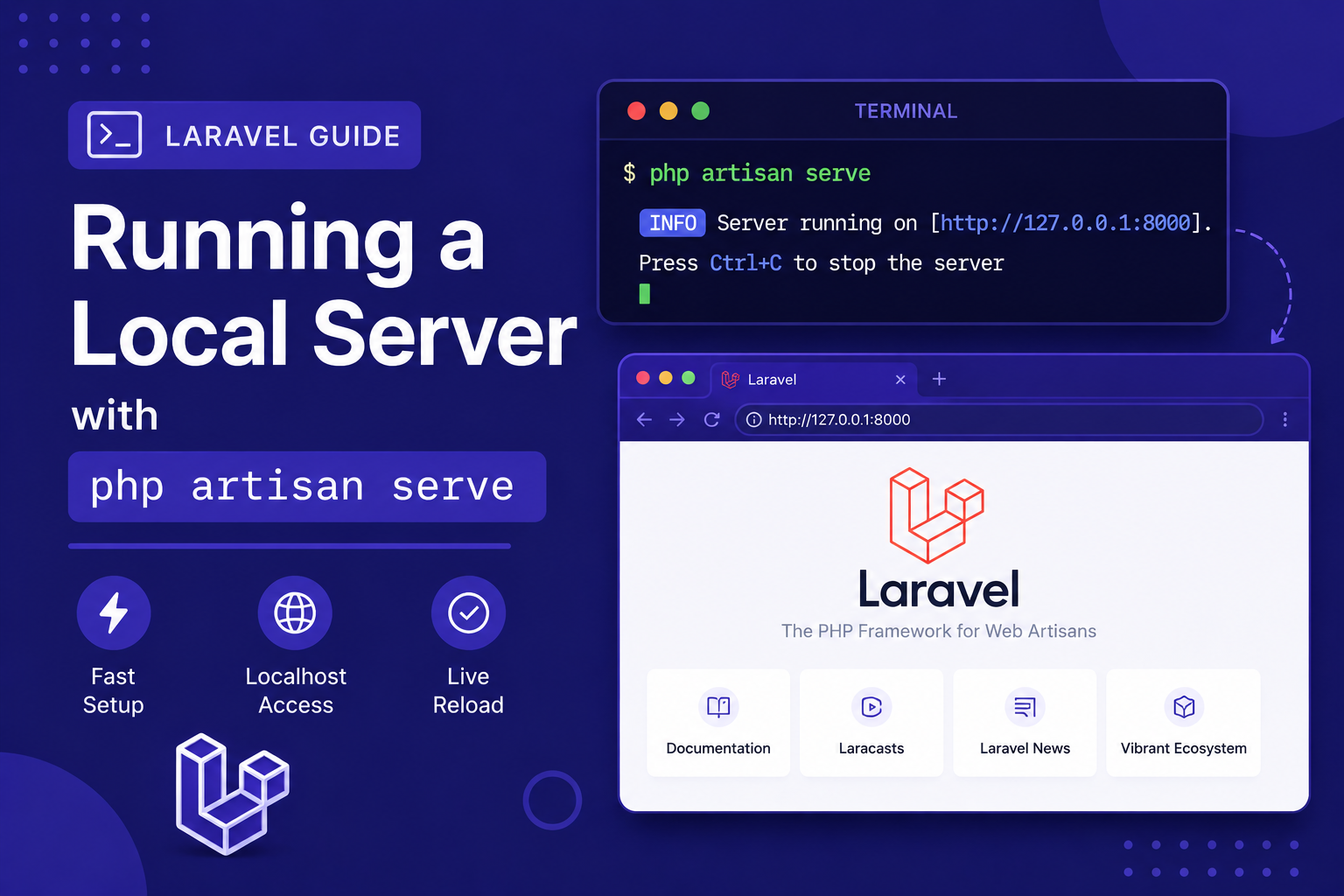
In this article, we'll cover how php artisan serve works, useful options you can customize, common issues you might run into, and how it compares to using a full local server environment like Laravel Herd or XAMPP.
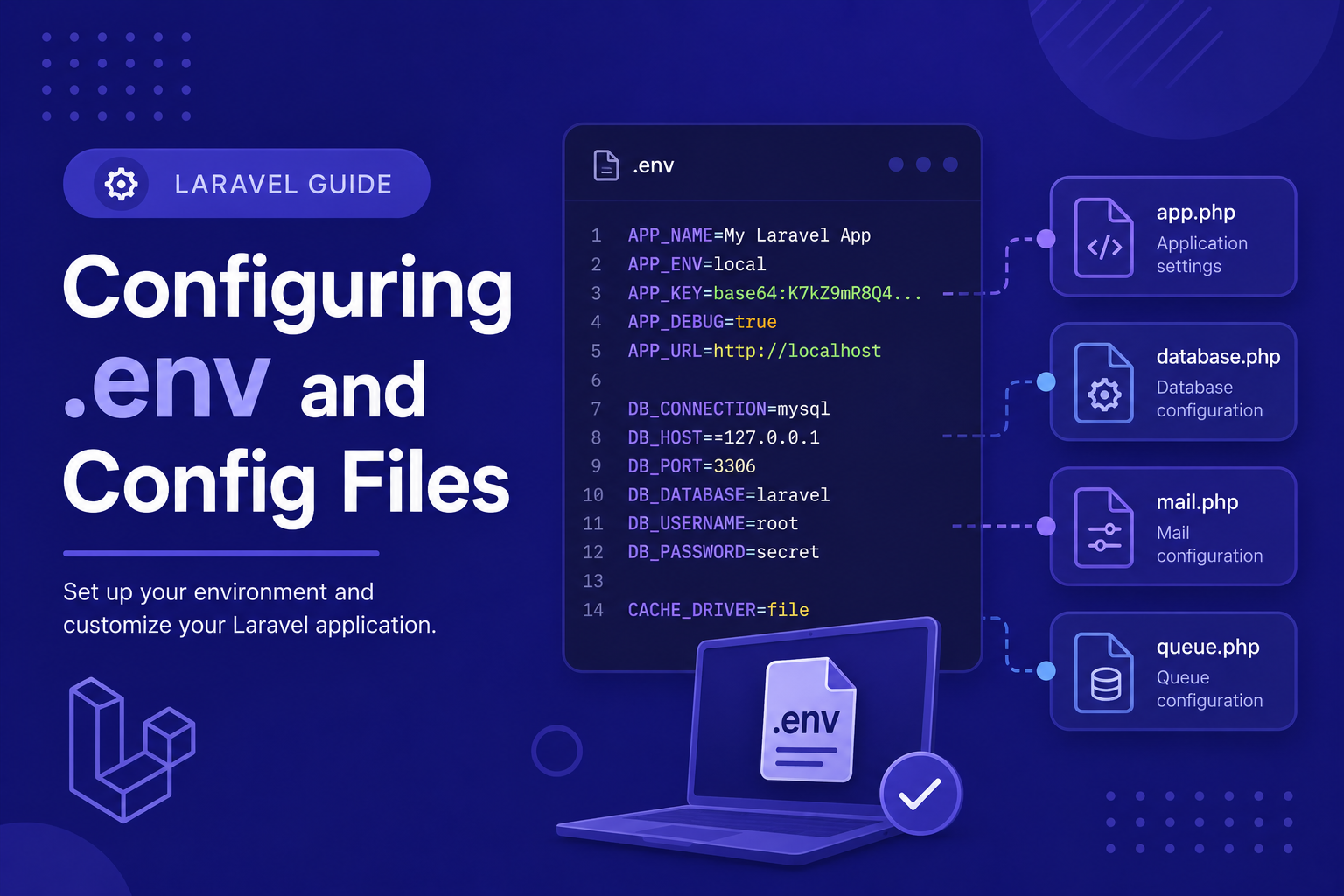
In this article, we'll break down how the .env file works, how it connects to Laravel's config/ files, and best practices for managing environment-specific settings securely.
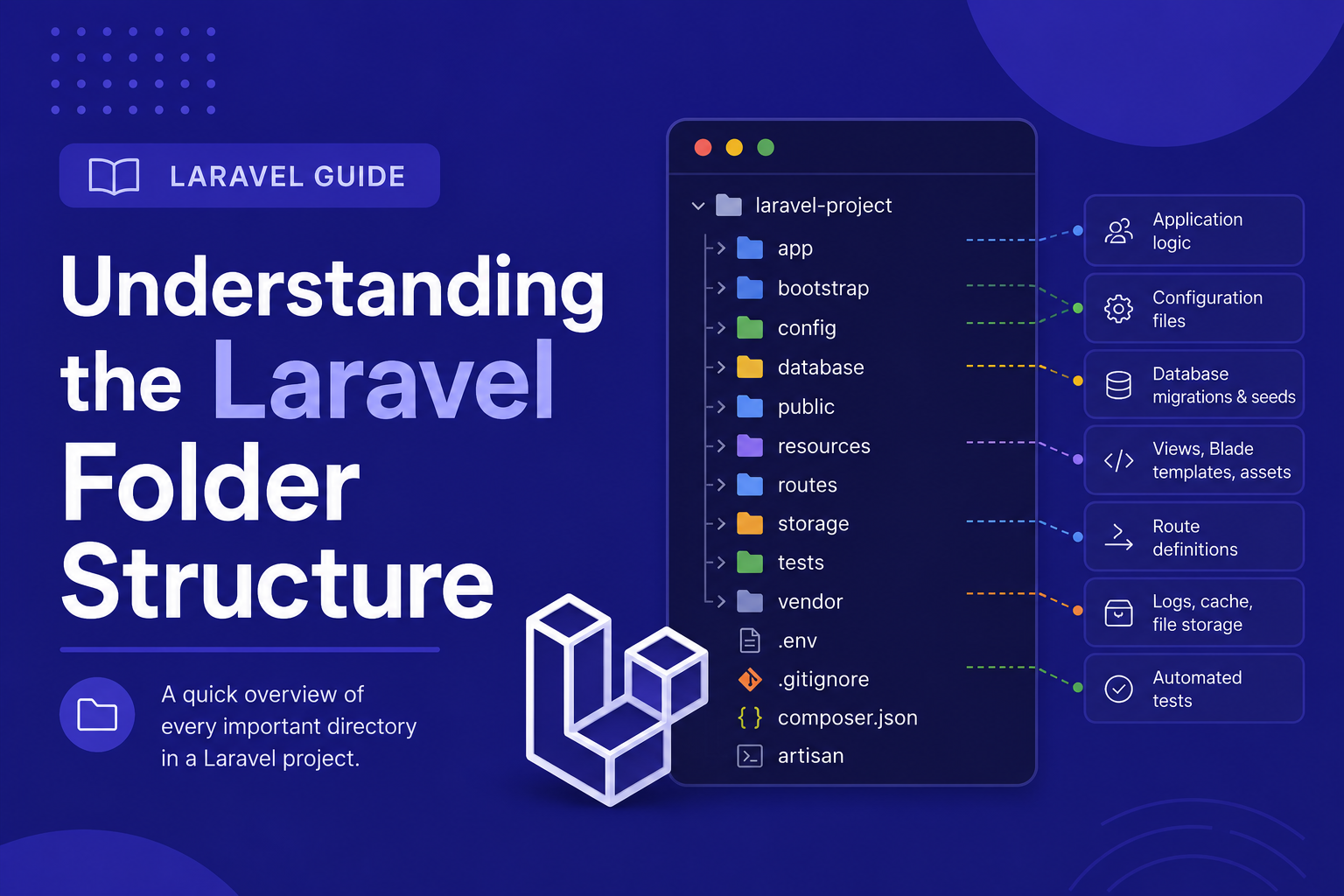
In this article, we'll walk through Laravel's default folder structure, explain what each major directory does, and highlight the ones you'll be working with the most as a beginner.
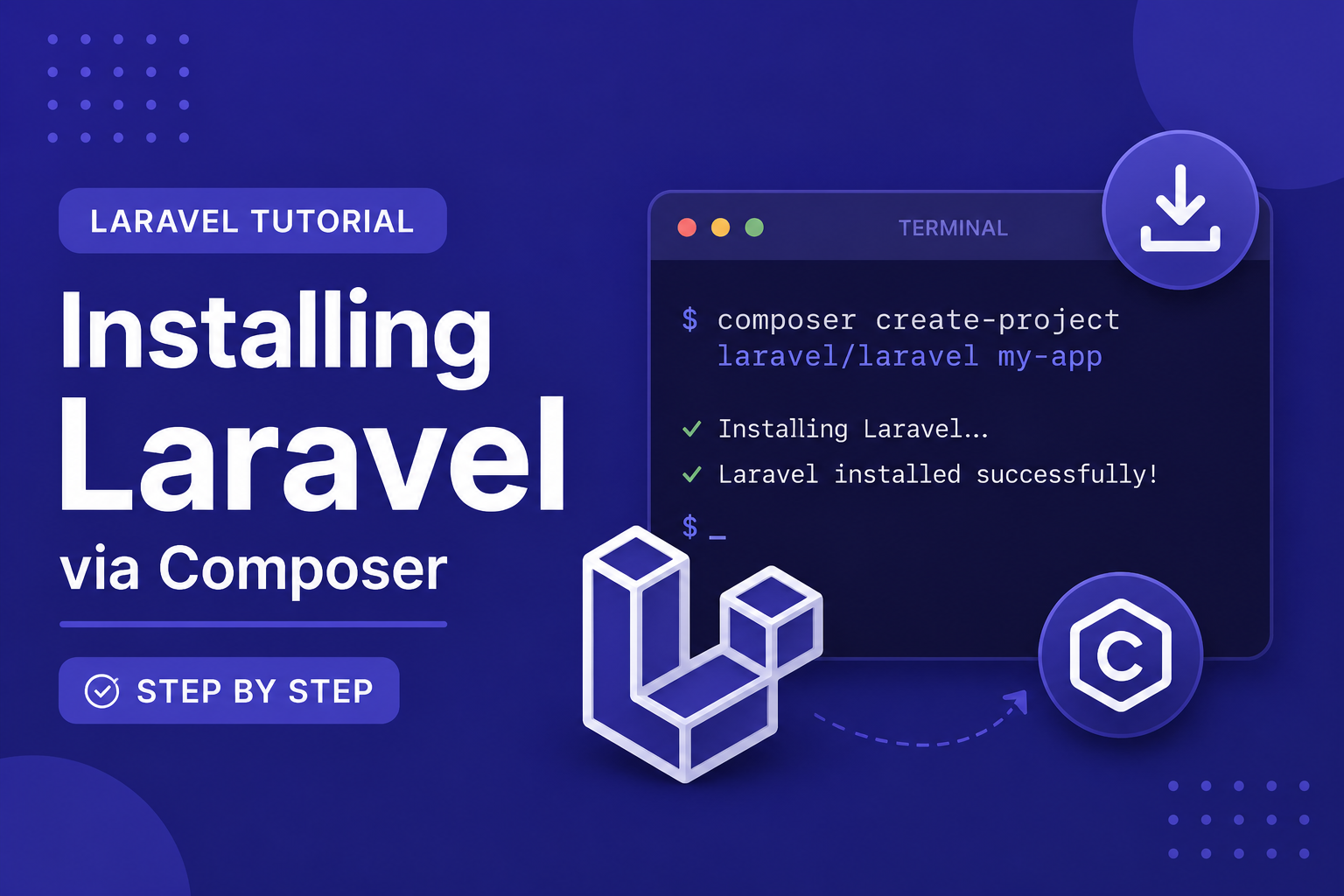
In this article, we'll walk through the exact steps to install Laravel using Composer, create a new project, and run it for the first time using Laravel's built-in development server. By the end, you'll have a real, working Laravel app open in your browser.
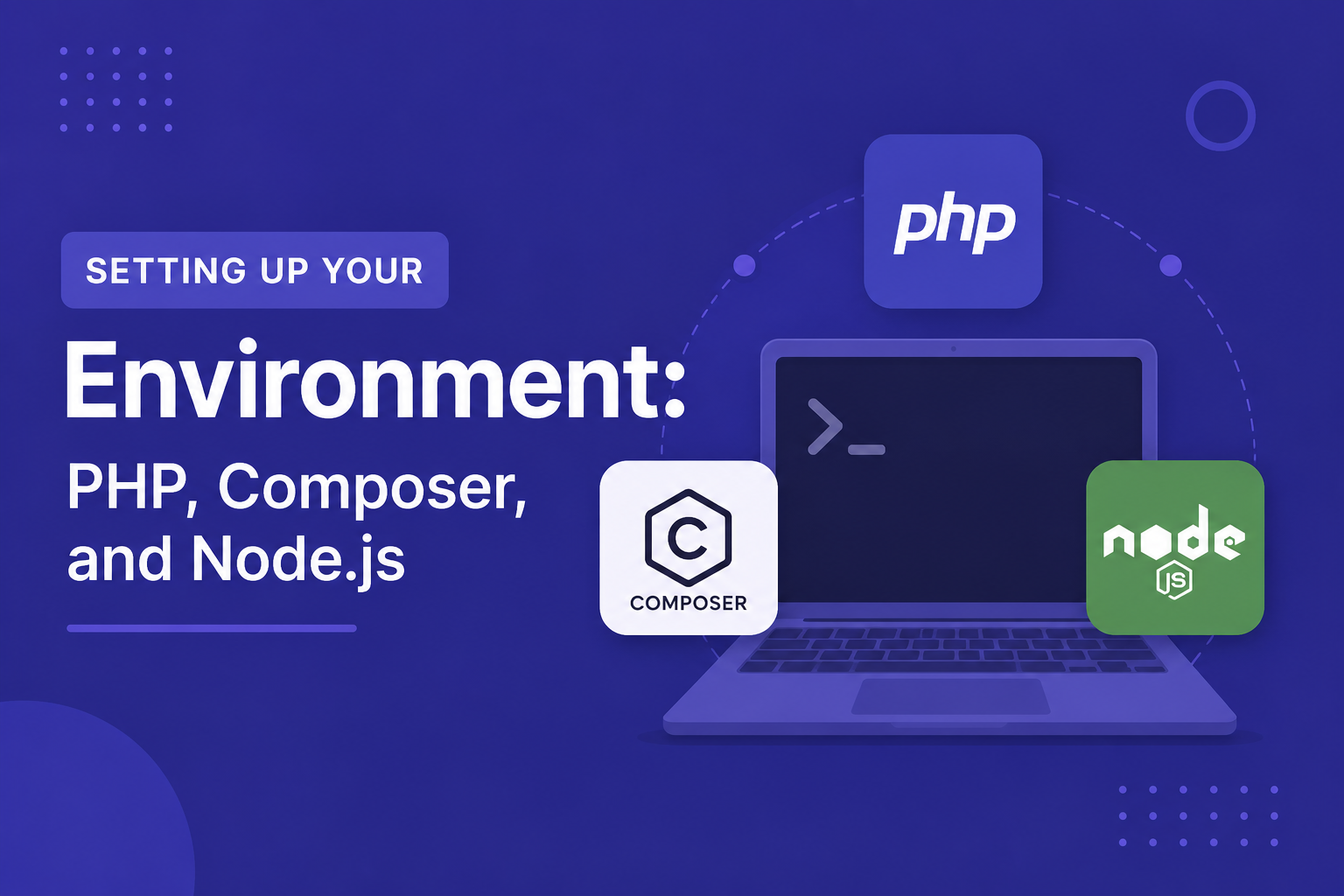
In this article, we'll walk through installing and verifying PHP, Composer, and Node.js on Windows, macOS, and Linux, so that by the end, your machine is fully ready for the next step: installing Laravel itself.